
Why the Same AI Model Feels Dumber on Your Own Machine
Your local model probably isn't the problem. Five fixable layers — size, quantization, chat template, sampling and context — quietly hold it back.
 By Des Okoro — Research Correspondent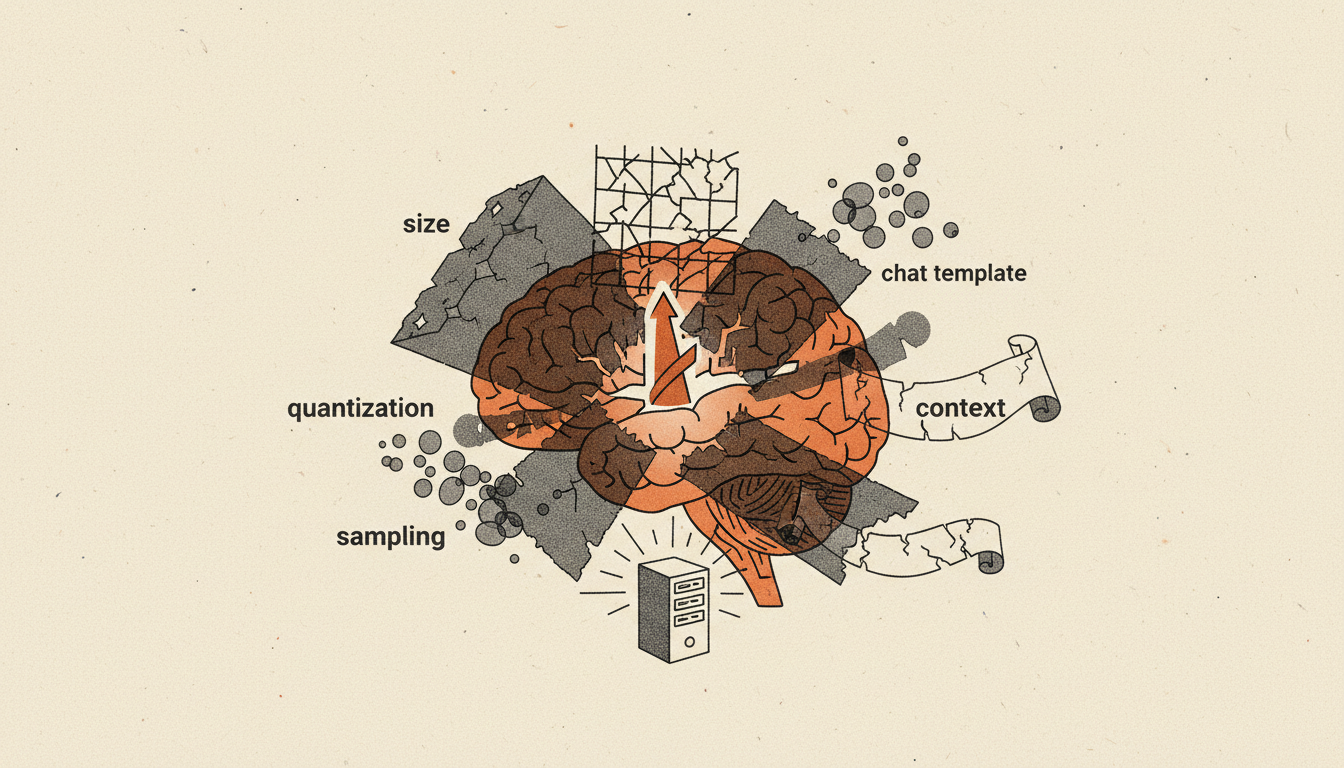
You download a model everyone raves about, run it on your own machine, and it feels… flat. Vaguer answers, worse reasoning, odd formatting. It is tempting to conclude the open models just aren't as good as the ones behind ChatGPT or Claude. Usually, that isn't the problem. The model is more capable than it seems — the setup around it is quietly holding it back.
Here are the five layers that most often make a local model feel dumber than it is, roughly in order of impact.
1. You may be running a much smaller model than you think
The assistant in your browser is frontier-scale — hundreds of billions of parameters, served on datacentre hardware. The model you can actually fit on a consumer GPU is usually an open model in the 7-to-30-billion-parameter range. It is a capable model — some now run on a single GPU and claim frontier-level scores — but it is not the same weight class, and comparing the two as if they were is the first mistake. Match your expectations to the size you are actually running, and read benchmark claims with care.
2. You're running a compressed copy
Almost nobody runs local models at full precision. They run quantized versions — the weights squeezed from 16 bits down to 8, 5, or 4 bits so they fit in memory. A 4-bit quant (often labelled Q4) is dramatically smaller and faster, and for casual chat it is fine. But quantization sets a ceiling on quality, and the small errors it introduces accumulate across a long, multi-step conversation. If a model feels sharp at first and drifts as the chat goes on, the quant level is a prime suspect. Stepping up to Q6 or Q8, if your hardware allows, is the single most common fix.
3. The chat template is wrong
This is the invisible one. Every instruct model expects its prompt wrapped in a specific format — where the system message goes, how turns are marked, which special tokens separate them. Get that template even slightly wrong and the model still answers, but worse: it misreads instructions, ignores the system prompt, and fumbles tool calls. Because nothing errors out, people rarely suspect it. If a model is capable in one app and hopeless in another, a mismatched chat template is usually why.
4. The sampling settings aren't tuned
Temperature, top-p and their cousins decide how the model picks each next word. Local tools ship with generic defaults that are often too conservative or simply wrong for a given model, and small changes here swing output between repetitive and incoherent. Providers tune these carefully for you; locally, you inherit whatever the tool guessed. It is worth learning what your model's makers actually recommend.
5. The context window is smaller than advertised
A model may advertise a 128,000-token context, but you only get what fits in your VRAM at your chosen quantization — and a big context buffer eats memory fast. Set it higher than you need and you may quietly force more aggressive quantization or spill past what the hardware holds; set it sensibly and everything else has more room to work. The advertised number is a ceiling, not a promise.
The takeaway
When a local model disappoints, the reflex is to blame the model. It is almost always the stack around it — the size you chose, the quant you downloaded, the template, the sampler, the context. None of that shows up as an error message, which is exactly why it goes unnoticed. The good news is that all five are yours to fix, and fixing them is usually the difference between "open models aren't there yet" and "oh — there it is."
Ask Relay — he reads every question himself and replies personally by email.